
VS Code extension
Install TacFlow in your editor.
Download the .vsix extension and connect your agents right inside VS Code in under a minute.
tacflow-vscode-1.2.5.vsix · ~198 KB
How to install
- 01
Install from VSIX
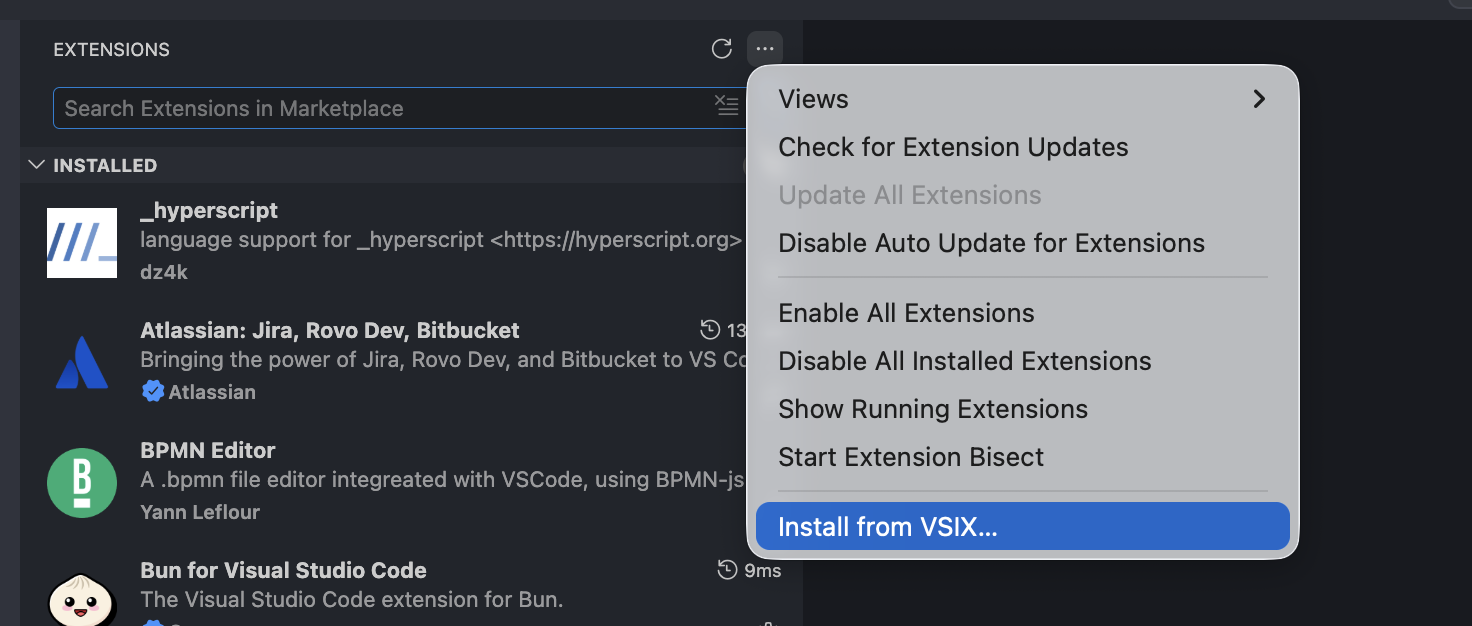
In VS Code, open the Extensions panel, click the "…" (More Actions) menu and choose "Install from VSIX…".
- 02
Select the file
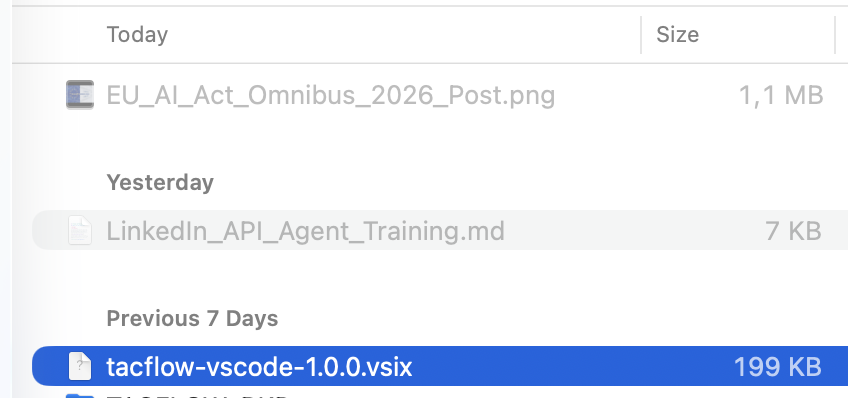
Pick the tacflow-vscode-1.2.5.vsix file you just downloaded and confirm.
- 03
Connect TacFlow
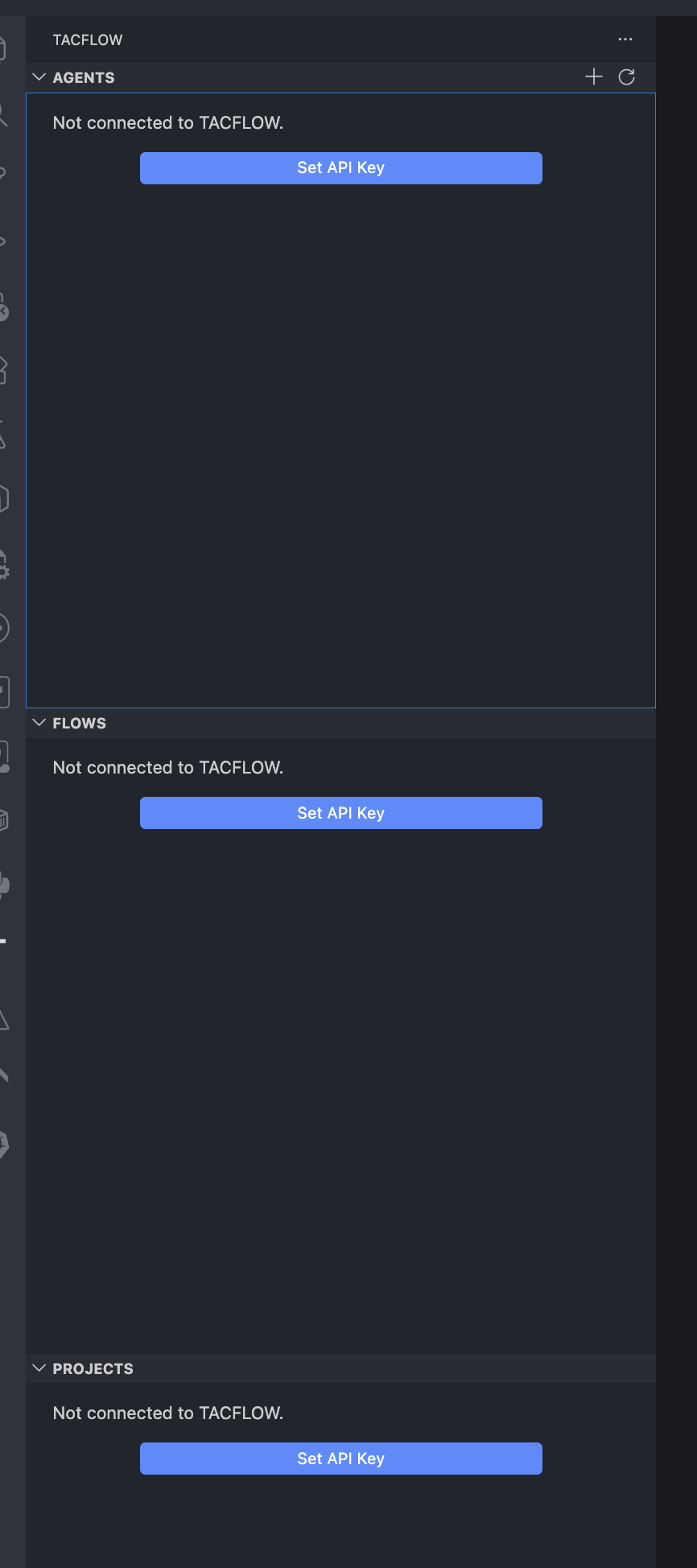
The TACFLOW panel appears in the sidebar (Agents, Flows, Projects). Click "Set API Key".
- 04
Paste your API key
Paste your TacFlow API key and press Enter to connect. Done!
